
AI Database Reactivation: Book Appointments Easily
Sales Automation, Database Reactivation, AI Follow-Up
Database Reactivation with AI: Turn Cold CRM Leads into Booked Appointments (Without Cold Calling)
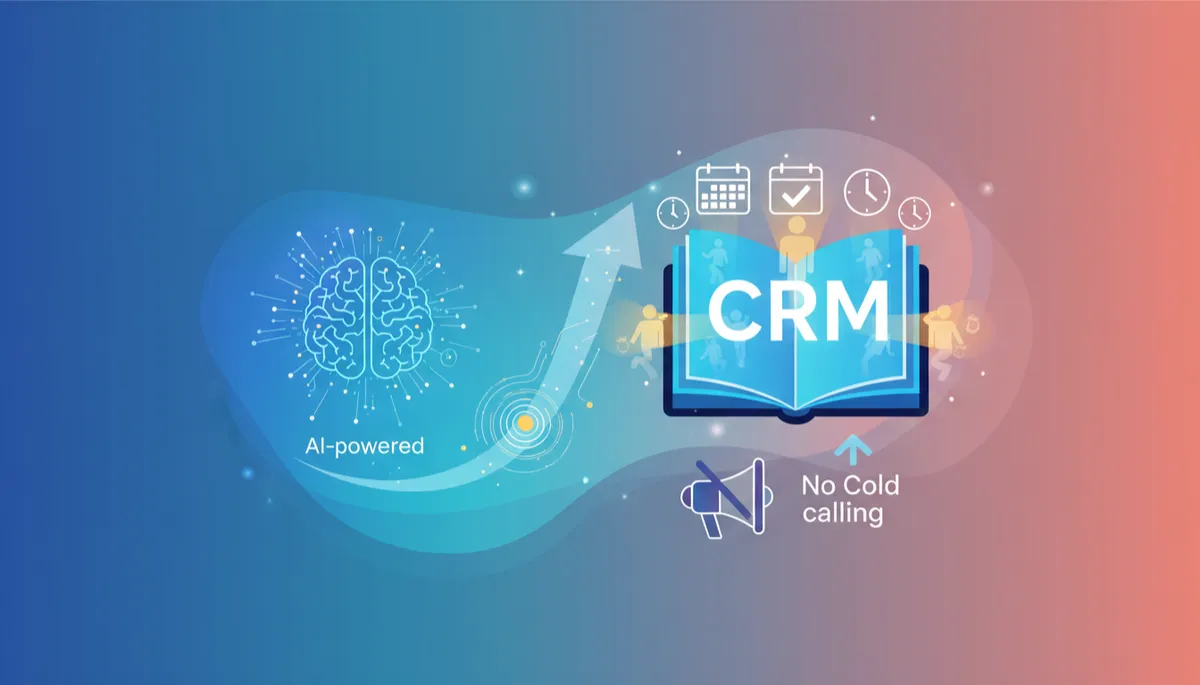
The best marketing systems are the ones that quietly produce results in the background. An AI-powered database reactivation campaign is exactly that — one well-designed follow-up flow that wakes up old and cold leads in your CRM and turns them into booked appointments, with zero cold calling and minimal manual work.
What Is Database Reactivation (And Why It’s Low-Hanging Fruit)?
Database reactivation is the process of going back to leads already sitting in your CRM—people who inquired, clicked, or talked to your team at some point—and giving them a fresh, relevant reason to talk to you again. These are not strangers; they are known contacts who simply went cold because life got busy, timing was off, or your previous follow-up stopped too early.
From an engineering mindset, this is a classic “underused asset” problem. The data is there, but the follow-up logic is missing or inconsistent. An AI-powered follow-up campaign fills that gap by running a repeatable, personalized sequence across email, SMS, or chat that nudges these leads toward one clear outcome: a booked appointment on your calendar.
Designing an AI-Powered Follow-Up Campaign Around One Goal: Bookings
The most practical way to think about an AI-powered follow-up campaign is as a state machine: each lead moves from cold to engaged to booked, with the AI deciding the next best message based on their behavior (opens, clicks, replies, link visits).
Input: Old and cold leads from your CRM (e.g., last contact > 90 days).
Engine: An AI agent that writes and sends short, natural messages, then adapts based on replies.
Output: Booked appointments in your calendar tool of choice, without anyone on your team dialing a single cold call.
💡 Pro Tip: Keep one primary call to action: “Would you like to book a quick call on this link?” The simpler the path, the better your conversion from cold lead to booked appointment.
A Simple Reactivation Flow in Code (Python + Pseudo-AI)
You don’t need a massive ML stack to start. You can wire up a practical database reactivation system with your existing CRM export, an AI text API, and an email/SMS provider. Below is a simplified example in Python that shows the core pieces: selecting cold leads, generating messages, and logging outcomes.
import csv
from datetime import datetime, timedelta

from some_ai_client import generate_message  # your AI wrapper
from some_email_client import send_email    # your email/SMS wrapper

COLD_DAYS = 90
BOOKING_LINK = "https://calendly.com/your-team/intro-call"


def is_cold_lead(last_contact_str: str) -> bool:
    if not last_contact_str:
        return True
    last_contact = datetime.fromisoformat(last_contact_str)
    return datetime.utcnow() - last_contact > timedelta(days=COLD_DAYS)


def build_ai_prompt(lead: dict) -> str:
    return f"""
You are a helpful assistant doing database reactivation.
Write a short, friendly follow-up email to {lead['first_name']}.

Goal: get them to book a quick call using this link: {BOOKING_LINK}
Constraints:
- Do NOT sound salesy.
- Acknowledge that it has been a while.
- Ask one simple question at the end.
"""


def reactivate_leads(csv_path: str) -> None:
    with open(csv_path, newline="") as f:
        reader = csv.DictReader(f)
        for row in reader:
            if not is_cold_lead(row.get("last_contact_at")):
                continue

            prompt = build_ai_prompt(row)
            subject, body = generate_message(prompt)

            send_email(
                to=row["email"],
                subject=subject,
                body=body,
            )

            print(f"Sent to {row['email']} -> {subject}")


if __name__ == "__main__":
    reactivate_leads("crm_export.csv")
In practice, your generate_message function would call an AI provider, and your send_email function would integrate with your ESP or SMS API. The important part is the flow: identify cold leads, generate human-sounding follow-up, invite them to book, and log the send.
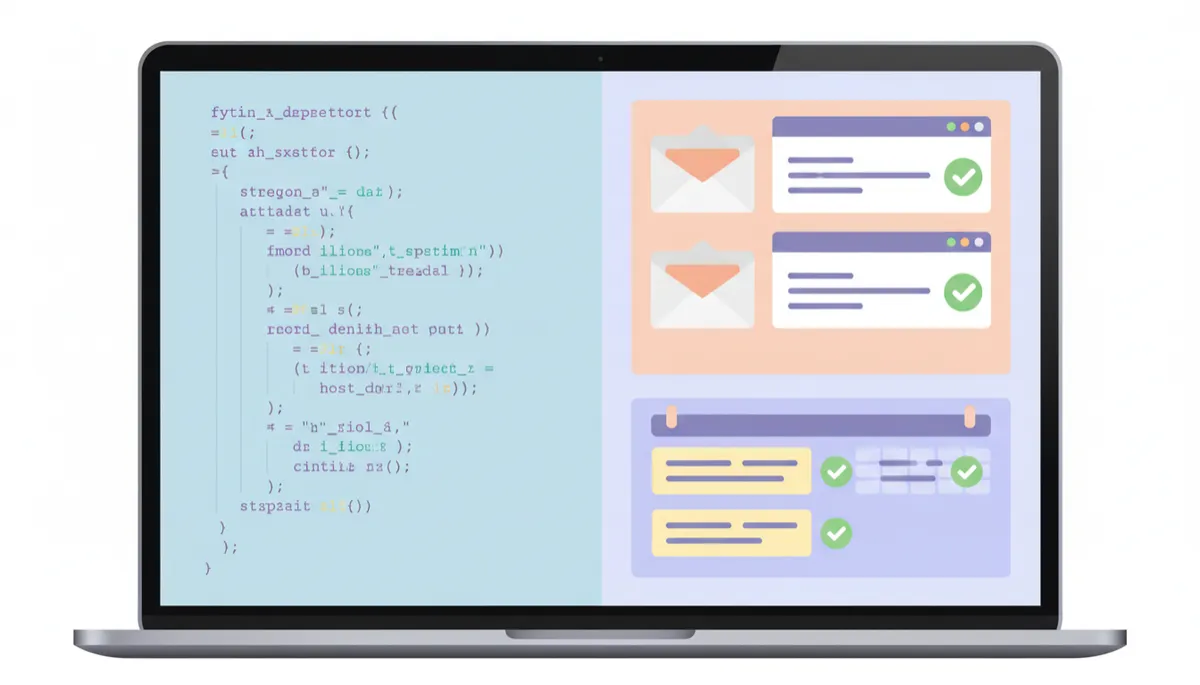
Even a lightweight script plus AI can revive dormant leads and fill your calendar.
Handling Replies and Moving Leads to Booked Appointments
The real magic happens after the first message. Some leads will click the booking link immediately. Others will reply with questions, objections, or “maybe later.” Your AI follow-up agent can handle these back-and-forth conversations, always steering toward a simple outcome: “Here’s my calendar link—would you like to pick a time?”
You can model this as a small decision layer: for each reply, classify intent (interested, not now, not interested, wrong contact), then let the AI generate a response. Only escalate to a human when the message is clearly high-value or complex. That way, your team spends time only on warm conversations, not on endless cold calling.
def classify_intent(message_text: str) -> str:
    """
    Very naive example; in production you would use AI or a proper model.
    """
    text = message_text.lower()
    if "book" in text or "schedule" in text or "call" in text:
        return "interested"
    if "later" in text or "next month" in text:
        return "not_now"
    if "stop" in text or "remove" in text:
        return "not_interested"
    return "unclear"


def handle_reply(lead: dict, reply_text: str) -> str:
    intent = classify_intent(reply_text)

    if intent == "interested":
        return f"Great, here is my calendar link again: {BOOKING_LINK}"
    if intent == "not_now":
        return "No worries at all. When would be a better time for a quick chat?"
    if intent == "not_interested":
        return "Thanks for letting me know. I will close the loop on my side."

    # default: ask a clarifying question
    return "Thanks for your reply—what would be most helpful for you right now?"
This simple logic, combined with AI-generated wording, is usually enough to move a meaningful slice of your database from “cold and ignored” to “warm and talking,” and ultimately into booked appointments that your team can actually handle.
Why This Works Without Cold Calling (And How to Start Small)
Traditional cold calling is high-friction: low connection rates, constant rejection, and a lot of manual effort for uncertain results. Database reactivation flips the script. You already have permission to contact these leads. You already know something about them. An AI-powered follow-up campaign simply uses that context to start natural, low-pressure conversations at scale.
To get started, you don’t need a full-blown platform. Export a segment of cold leads from your CRM, wire up a basic script like the ones above, plug in your AI and messaging providers, and run a small batch. Measure two things: response rate and booked appointments. Then iterate on prompts, timing, and targeting. With a few cycles, you’ll have a reliable database reactivation engine quietly turning old leads into new bookings—no cold calling required.