
Master Email Automation for Small Business Success
Productivity, Inbox Management, Small Business Automation
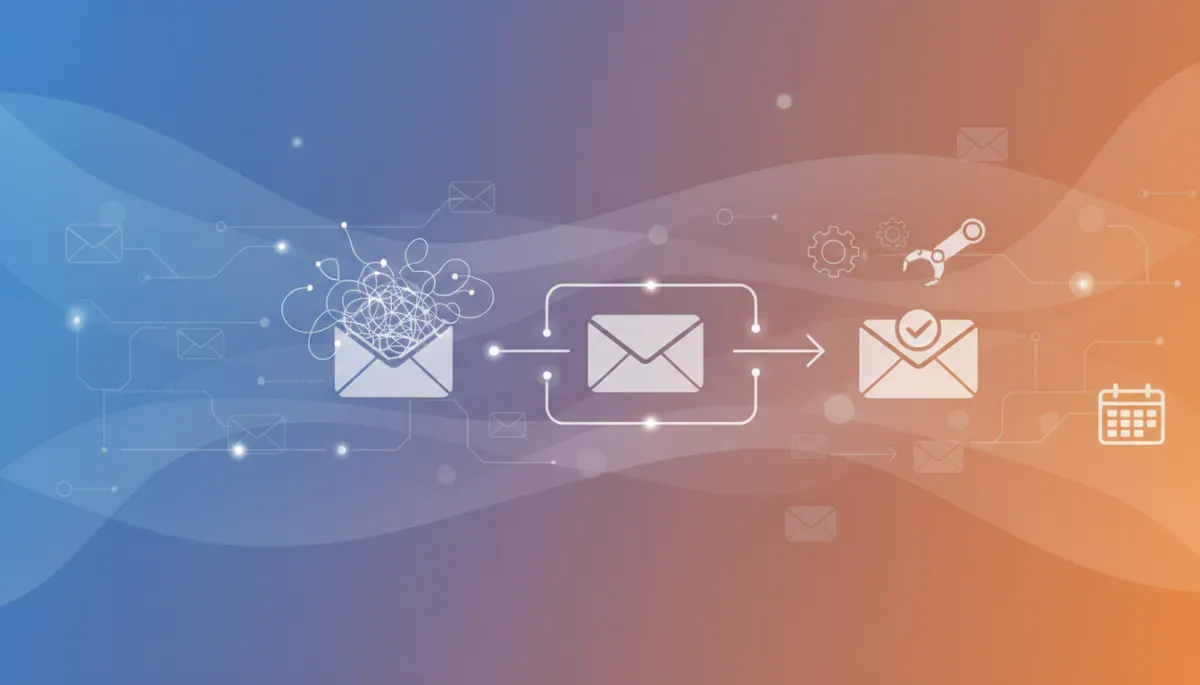
From Inbox Chaos to Autopilot: Taming Email and Follow-Ups with Automation
If your inbox feels like a second full-time job, you’re not alone. For busy owners and managers of clinics, trades, salons, gyms, and professional firms, email and follow-ups can quietly swallow hours every week. The good news: with the right follow-up tools and a few practical productivity tips, you can turn that chaos into a calm, organized system that runs mostly on autopilot.
Why Email Feels So Overwhelming (Especially for Local Businesses)
Most local and small-to-medium service businesses rely on email for almost everything: new lead inquiries, appointment requests, quotes, invoices, staff messages, supplier notes, and more. Add in social media messages and web forms, and it can feel like you’re spinning plates all day just trying to keep up with inbox management.
The problem is, every message represents potential money, reputation, or relationship on the line. When you’re in back-to-back appointments, on job sites, or managing a team, it’s easy for replies and follow-ups to slip through the cracks. That means missed opportunities, slower bookings, and sometimes unhappy customers who feel ignored.
📌 Key Takeaway: The goal isn’t zero emails—it’s a simple, reliable system so important messages are answered and followed up without you personally babysitting the inbox all day.
Step 1: Clean Up the Mess with Smart Email Organization
Before you put anything on autopilot, you need a basic foundation of email organization. Think of it like clearing the workbench before bringing in new tools. You don’t need a complex system—just a few simple rules that your future self will thank you for.
Create 3–5 core folders or labels. For example: Leads & New Inquiries, Current Clients, Billing & Admin, Team & Internal. Keep it simple enough that you can use it even on a busy Monday morning.
Use rules or filters for low-value emails. Newsletters, supplier promos, and notifications can skip the inbox and land in a “Read Later” folder. This alone can cut daily noise dramatically and is one of the easiest time-saving techniques you can set up.
Adopt the 3-minute rule. If an email takes less than three minutes to handle, do it right away. If not, move it to a folder or add it to your task list so it doesn’t linger unread and forgotten.
💡 Pro Tip: Treat your inbox like a doorway, not a storage room. Messages should pass through, get handled, and move on—not live there forever.
Step 2: Use Follow-Up Tools So No Lead Slips Through the Cracks
For most local businesses, the real money is in follow-up. Someone fills out a form, asks for a quote, or replies “I’ll book next week”—and then life happens. Without a system, those warm leads quietly cool off. This is where modern follow-up tools can save you a surprising amount of revenue and stress.
Instead of relying on sticky notes or your memory, use automation to send friendly, timely nudges. Tools like GoHighLevel (which we use at AI Biz Connect) can track every new lead, send instant replies, and schedule follow-ups by email and text—without you lifting a finger after the initial setup.
Instant response: When someone submits a form or emails your “Contact Us” address, they get an immediate confirmation and a link to book or call. No more “Did they even get my message?” doubts on the customer’s side.
Automatic reminders: If they don’t book, the system sends a gentle follow-up a day or two later, then maybe one more the following week. You set the tone once; the software handles the rest.
Two-way conversations: Modern AI assistants can even answer basic questions, offer time slots, and confirm appointments, so your team only steps in when a human touch is really needed.
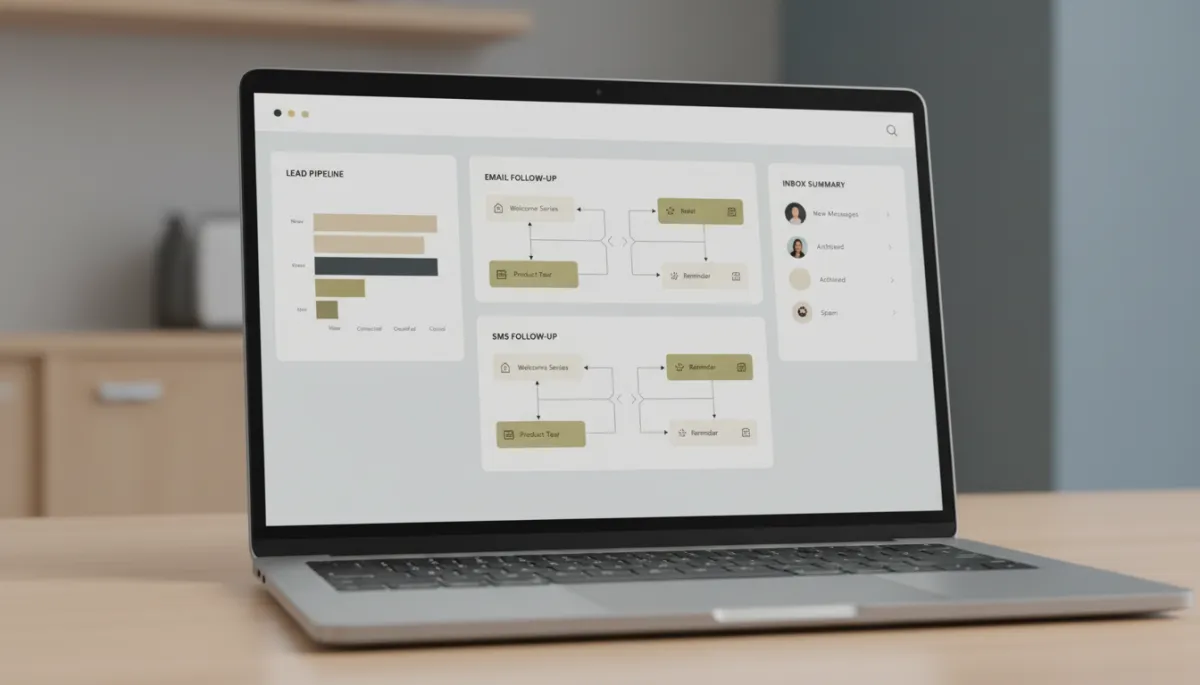
Simple follow-up workflows can recover leads you already paid to generate.
Step 3: Inbox Management Habits That Actually Stick
Even with great tools, your daily habits still matter. The aim is not to become a “productivity guru,” but to build a few small routines that make inbox management feel lighter and more predictable.
Check email in blocks, not all day. For many owners, two or three focused email sessions (for example, 9:30 a.m., 1:00 p.m., and 4:30 p.m.) are enough. In between, rely on your automated systems to handle new leads and urgent follow-ups.
Use clear subject lines and templates. Create simple templates for common replies—quote received, appointment confirmed, reschedule options, review requests. This is one of the easiest productivity tips to implement and can shave minutes off every message.
Delegate with confidence. If you have an office manager or front-desk team, give them clear guidelines on what they can answer, what should be escalated, and what your AI assistant or automation can handle first.
💡 Pro Tip: Turn off email notifications on your phone during peak work hours. Let your systems catch new leads and follow-ups while you focus on serving customers.
Time-Saving Techniques You Can Implement This Week
You don’t need to rebuild your entire tech stack to feel a difference. Here are practical time-saving techniques that work well for clinics, trades, salons, gyms, law firms, and other appointment-based businesses across Canada.
Missed-call text-back: When someone calls and you can’t answer, an automated text goes out within seconds: “Sorry we missed you—how can we help?” This often moves the conversation to SMS and email, where your AI assistant and follow-up tools can take over.
Automated booking links: Instead of back-and-forth emails asking “What time works?”, send a booking link that connects to your calendar. Your AI or CRM can email and text this link automatically to new leads and existing clients.
Pre-written nurture sequences: For people who say “not yet,” drop them into a short email sequence that shares helpful tips, answers common questions, and invites them to book when they’re ready. You write it once; it works for months or years.
Review and reputation automation: After each appointment, an automatic email and text can go out asking for feedback and Google reviews. No one on your team has to remember—it just happens.
How AI Biz Connect Helps Put Your Inbox on Autopilot
At AI Biz Connect, we work with busy local businesses that are tired of slow follow-up, missed calls, and leads slipping away. Most of our clients don’t want another complicated tool—they want plain-English help and a system that just works in the background while they run the business.
We set everything up on one platform (GoHighLevel), so your email organization, text messages, web forms, and call follow-ups all live in the same place. Our AI chat agents and voice receptionists answer 24/7, your missed calls trigger automatic text-backs, and your leads move through simple, clear follow-up paths until they book or say no.
Because we treat your business like our own, we avoid bloated stacks of tools and confusing jargon. Instead, we focus on a handful of powerful follow-up tools and productivity tips that give you more booked appointments, better inbox management, and hours of your week back—without hiring extra staff.
📌 Key Takeaway: Automation isn’t about replacing your team—it’s about catching every lead, answering faster, and freeing your people to do the work humans do best.
Putting It All Together: A Calmer, More Profitable Inbox
When you combine simple email organization, smart follow-up tools, and a few steady habits, your inbox stops feeling like an emergency and starts acting like a reliable system. New leads are answered instantly, follow-ups happen on schedule, and you spend far less time digging through old threads trying to remember who said what.
The best part? You don’t have to become “techy” to get there. With the right partner, you can keep doing what you do best—running your clinic, shop, or firm—while your inbox management and follow-ups quietly run in the background on autopilot.
Ready to See Inbox Autopilot in Action?
If you’re curious how this could look for your business, you don’t have to imagine it—you can try it. At AI Biz Connect, we’re the only local AI agency that lets you test our assistants before you buy. You can chat with our AI on the website and even call our AI receptionist to hear how it answers, books, and follows up in real time.
Book a free strategy session, or see it for yourself—chat with our AI at aibizconnect.ca and call our AI receptionist to hear it answer. Together, we’ll design a simple, affordable system that turns your inbox from daily chaos into a calm, dependable autopilot that captures more leads, books more appointments, and gives you your time back.